
Boon · AI Logo & Brand Maker
Start with a logo. Leave with a brand.
Boon turns one idea into a complete brand — logo, colors, fonts, social kit, and print-ready files. AI-fast, built for your business.
One idea becomes your whole brand.
Start with a logo
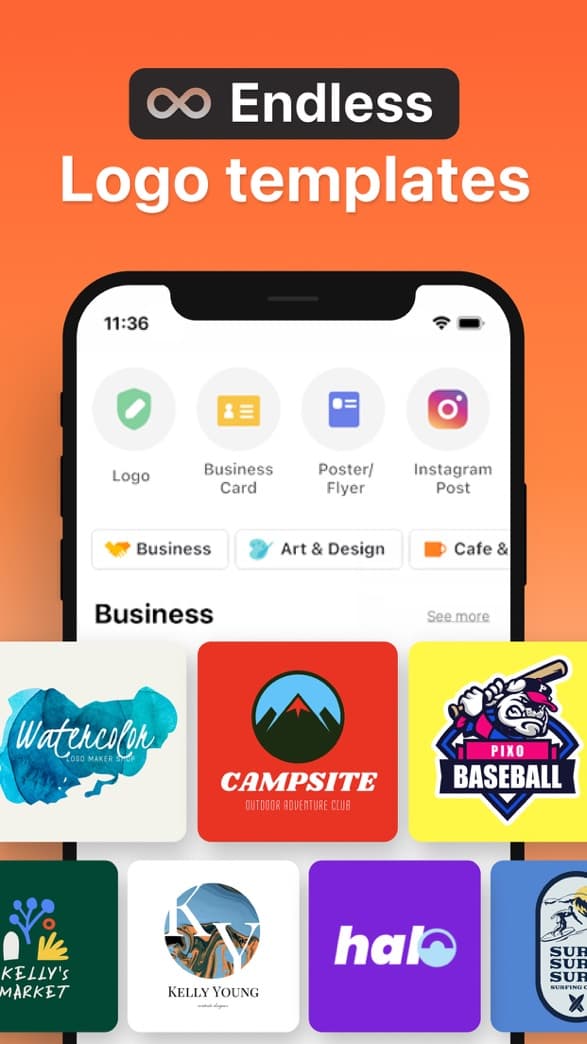
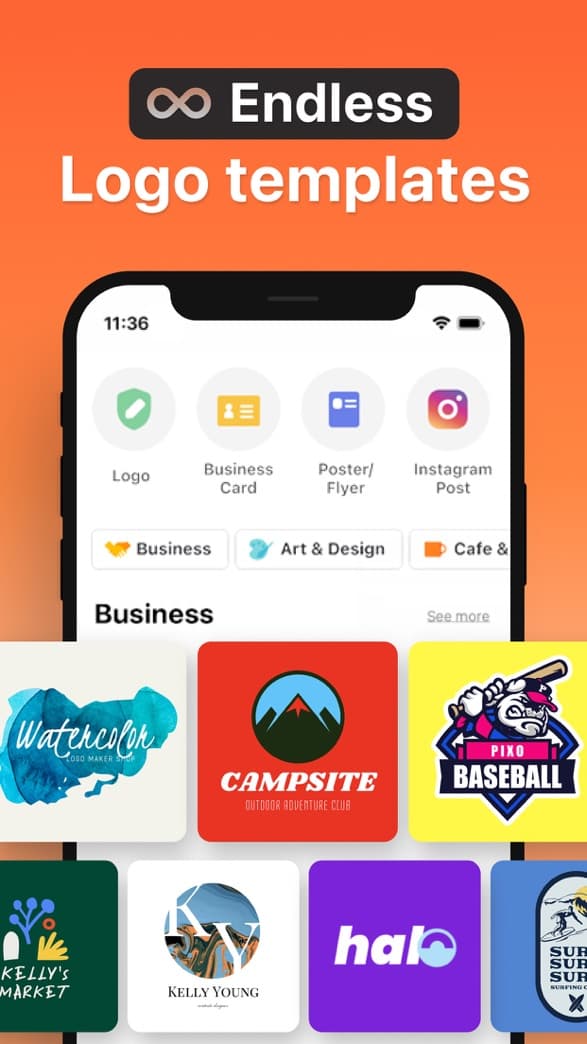
AI logo or 10K+ templates
Generate a logo from a name and a vibe, or start from thousands of professional templates — no design skills needed.
Build the kit
Matching colors, fonts & social templates
Boon turns your logo into a coordinated brand kit — colors, fonts, and ready-to-post social graphics that all fit together.
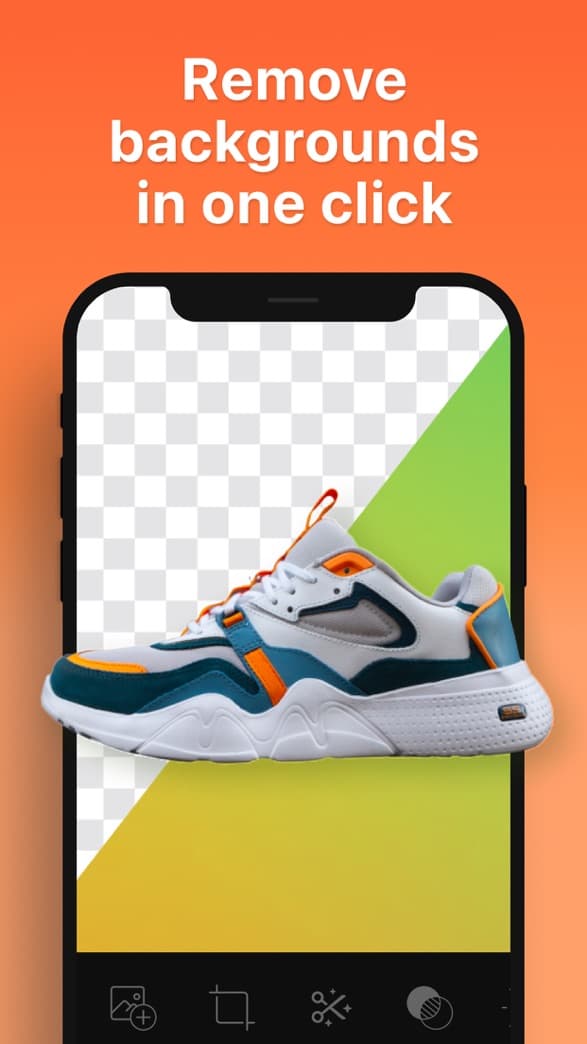
Ship it anywhere
Print-ready & high-res exports
Export print-ready files, realistic mockups, and high-res assets for everywhere your business shows up.
10K+ templates
Start from a logo that already looks the part.
Browse thousands of professionally designed templates across every style and industry — then make one yours in minutes.
Generate a logo, then keep creating around the brand.
A Creative Agent turns a name and audience into logo routes and the formats a brand actually ships — not just a template gallery.
Brand name to launch-ready files.
- Enter the brand name, market, audience, and mood.
- Generate logo routes or start from a proven template.
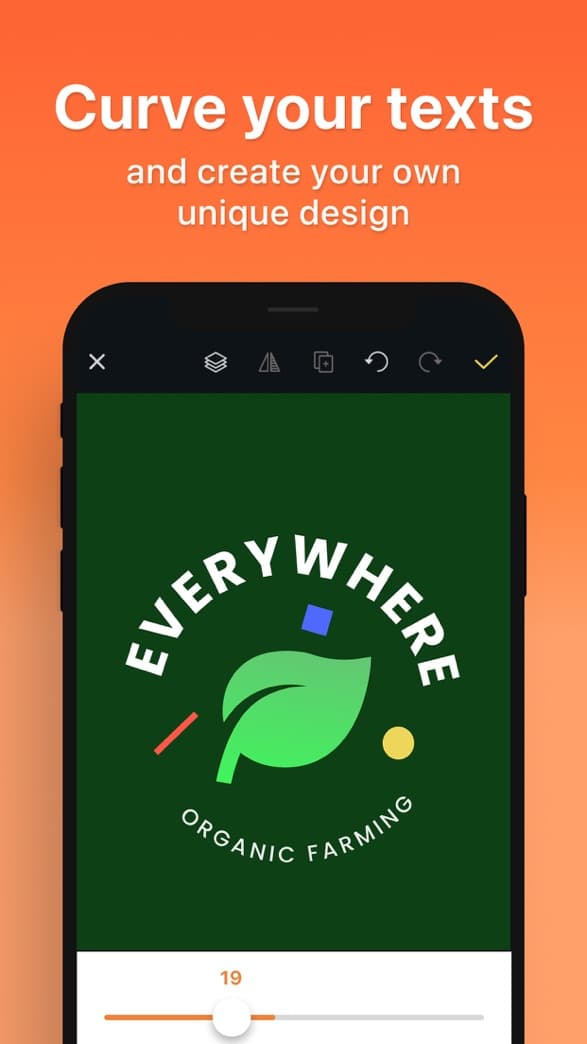
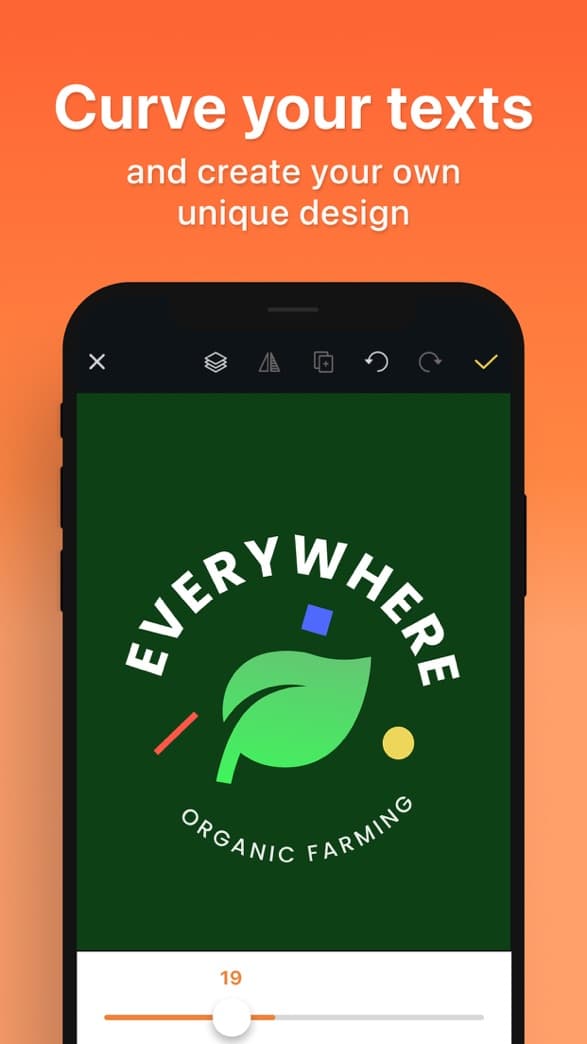
- Refine with editor tools, cutouts, fonts, colors, and brand assets.
- Export the logo and preview it across real-world mockups.
For the first brand assets real projects need.
Small business logos
Create a logo for a cafe, shop, studio, salon, or local service and preview it on realistic mockups before launch.
Creator & social brands
Generate a recognizable mark, profile image, sticker, poster, or product graphic in one brand direction.
Product & startup launches
Turn a name and audience into logo routes, refine the best one, and export launch-ready files from iPhone.
Questions about building your brand.
Is Boon just a logo maker?
No. You start with a logo, then Boon builds the matching brand kit — colors, fonts, and social templates — plus print-ready files. One app, your whole brand.
What is in the brand kit?
Coordinated colors, fonts, ready-to-post social templates, realistic mockups, and high-res, print-ready exports — all matched to your logo.
Do I need design experience?
No. Start from AI or 10K+ templates and Boon helps you build a consistent brand, even with zero design background.
Can I get print-ready files?
Yes. Export print-ready and high-resolution files for everywhere your business shows up — online and in print.
Build your brand with Boon.
Start with your logo, then get the matching kit and print-ready files — all from your iPhone.